Starting the game
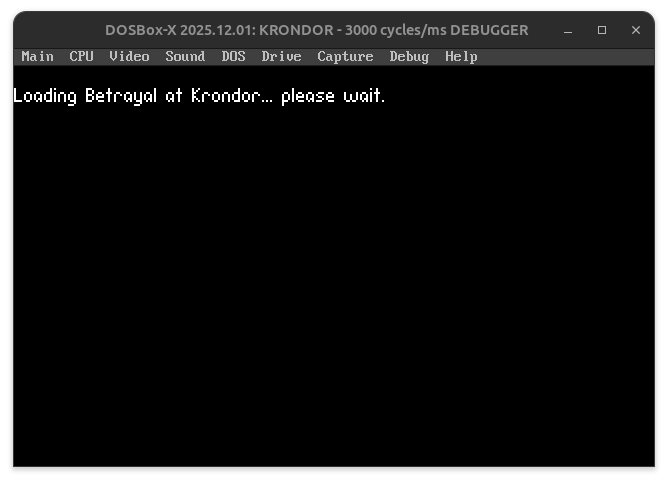
The first thing the user sees when they start up the game is is a simple text string announcing that the game is loading.
Some of the things that happens in the backgrounds are
Video
- The game sets VGA Mode 13h
- The game then immediately moves to Mode X (this have consequences for how VGA buffers are written)
- Unlocks 256KB Video Ram for page flipping
Input
- Mouse driver is reset
- Mouse cursor is clamped to the 320x200 resolution
- Install an event handler (interrupt service routine) to process input asynchronously
Audio
-
Loads the appropriate Miles Sound System driver for the configured soundcards, one of:
ADL.DRVGENMIDI.DRVMT32.DRVSNDBLAST.DRVSTD.DRV
-
Loads the sound handling overlay (
SX.OVL) and the sound frame work (FRP.SX) -
Allocates a DMA buffer for sound mixing
System
- Sets up the Borland Overlay Manager. This is how the game deals with the game logic being larger than the available RAM: It swaps in bits of code into overlay segments when requested.
- Crash handling.
- load GAME.FNT from KRONDOR.001 and makes it the default font.
- Reprograms the PIT (Programmable Interval Timer) to increase the tick rate beyond the standard 18.2Hz DOS clock.
Drawing the loading text
As soon as the base video mode is configured, the game will do the following:
- load
OPTIONS.PALfromKRONDOR.001and make it the default palette (see https://krondor.ubik-shakespeare.com/resource-management/ for how game resources are managed) - VGA back buffer is cleared to black
- set the pen colour to palette index
0xFF(which displays as white in theOPTIONS.PALpalette) - set the cursor position to
0,10 - write the text
Loading Betrayal at Krondor... please wait.(The font was already loaded during the game init)
After which the game enters the main menu loop.